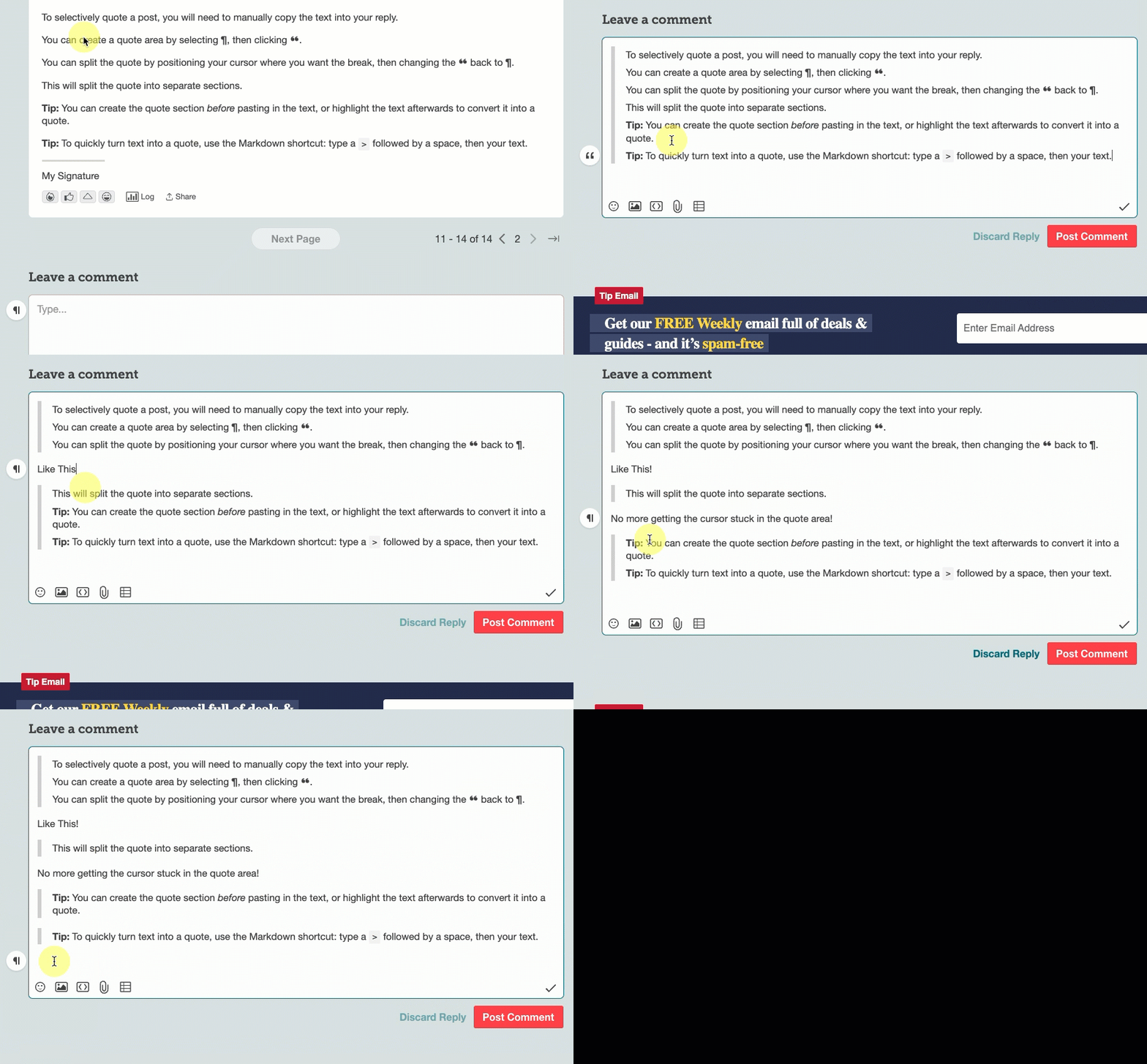
To selectively quote a post, you will need to manually copy the text into your reply.
You can create a quote area by selecting ¶, then clicking ❝.
You can split the quote by positioning your cursor where you want the break, then changing the ❝ back to ¶.
This will split the quote into separate sections.
Tip: You can create the quote section before pasting in the text, or highlight the text afterwards to convert it into a quote.
Tip: To quickly turn text into a quote, use the Markdown shortcut: type a > followed by a space, then your text.